

Creating an Account
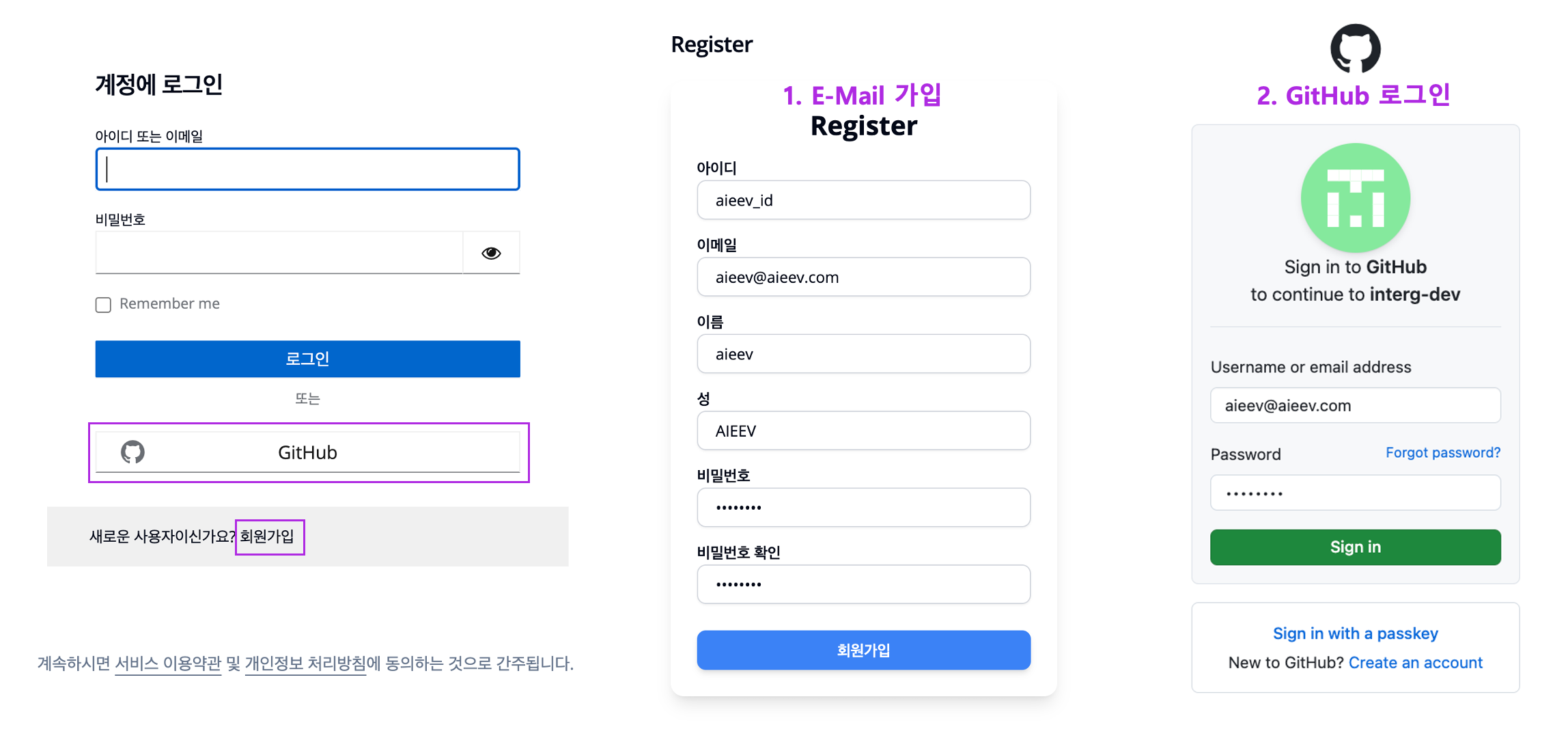
Sign Up and Login
Adding Funds
New users receive $20 in credit upon registration. To deploy resources, you must fund your account. Currently, bank transfers and credit card payments are supported. To load your balance, email us at sales@aieev.com — our team will respond immediately. Bulk credits and reserved-resource discounts are available.Creating a Project
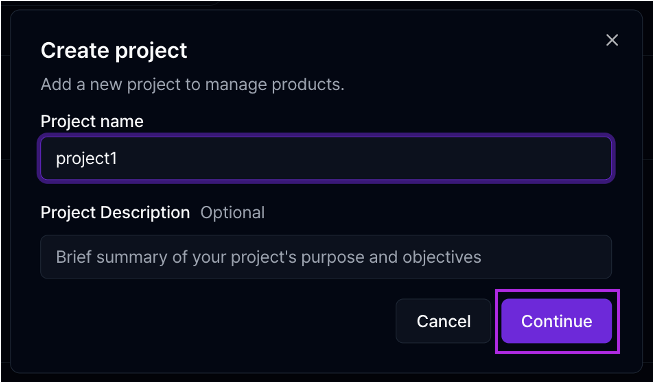
Create a Project
Managing Your Team
You can either create a personal account or get invited by a team member.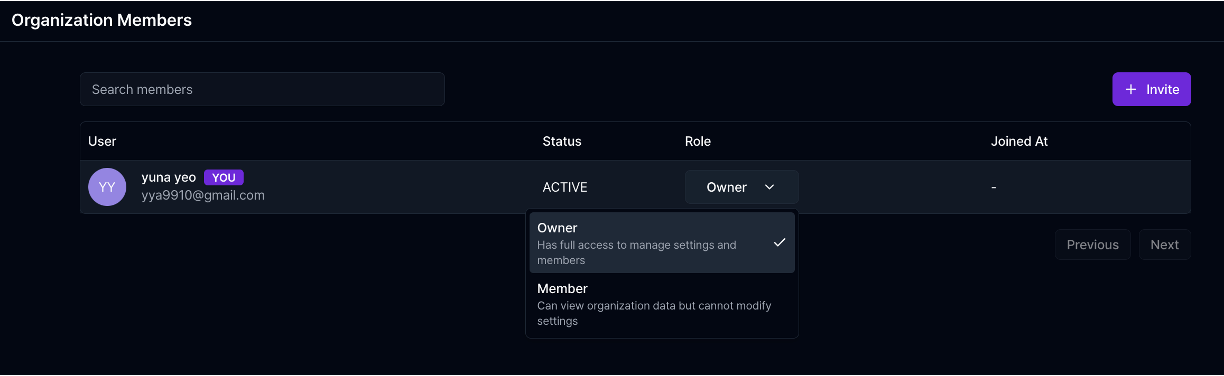
Organization Members Page
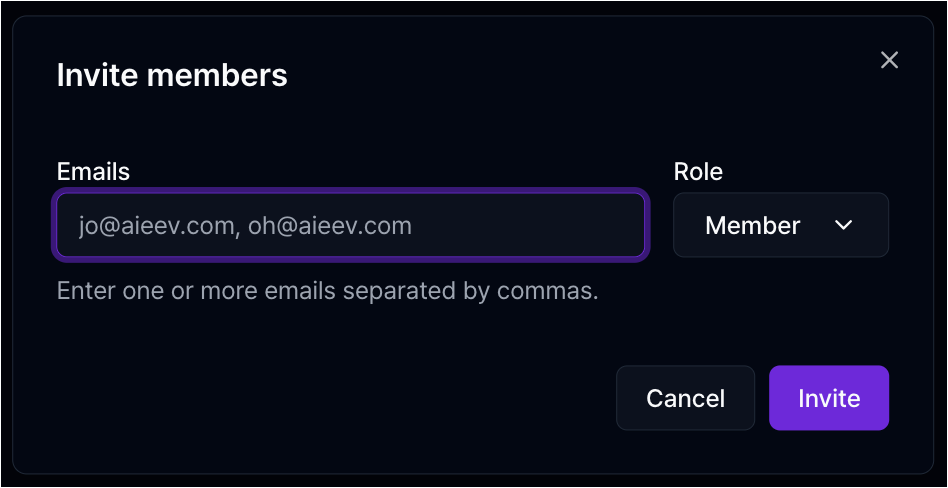
Invite Member
- Sign Up: Use GitHub, Google, or Email ID.
- Invite Team Members: Admin users can invite teammates via email through the Member Management page. Team members must register using the exact email address they were invited with. After registration, they must accept the invite to join the organization and project.
- Role Types: Admins can manage team settings, invite/delete members, and remove projects. Users have limited access to deployment and monitoring tools only.
Billing Information
- Air Container and Air Model are billed hourly. For full pricing details, see our Billing FAQ.
- Payment Method: supports local and international wire transfers as well as credit card payments.